Sellio Blog · 6 min read
Stock management for a small shop — a system that gets kept
A stock control routine a small shop will keep — opening counts, one ledger, weekly spot checks, low-stock levels, expiry dates, and fixing a wrong count.
Published · By Sellio
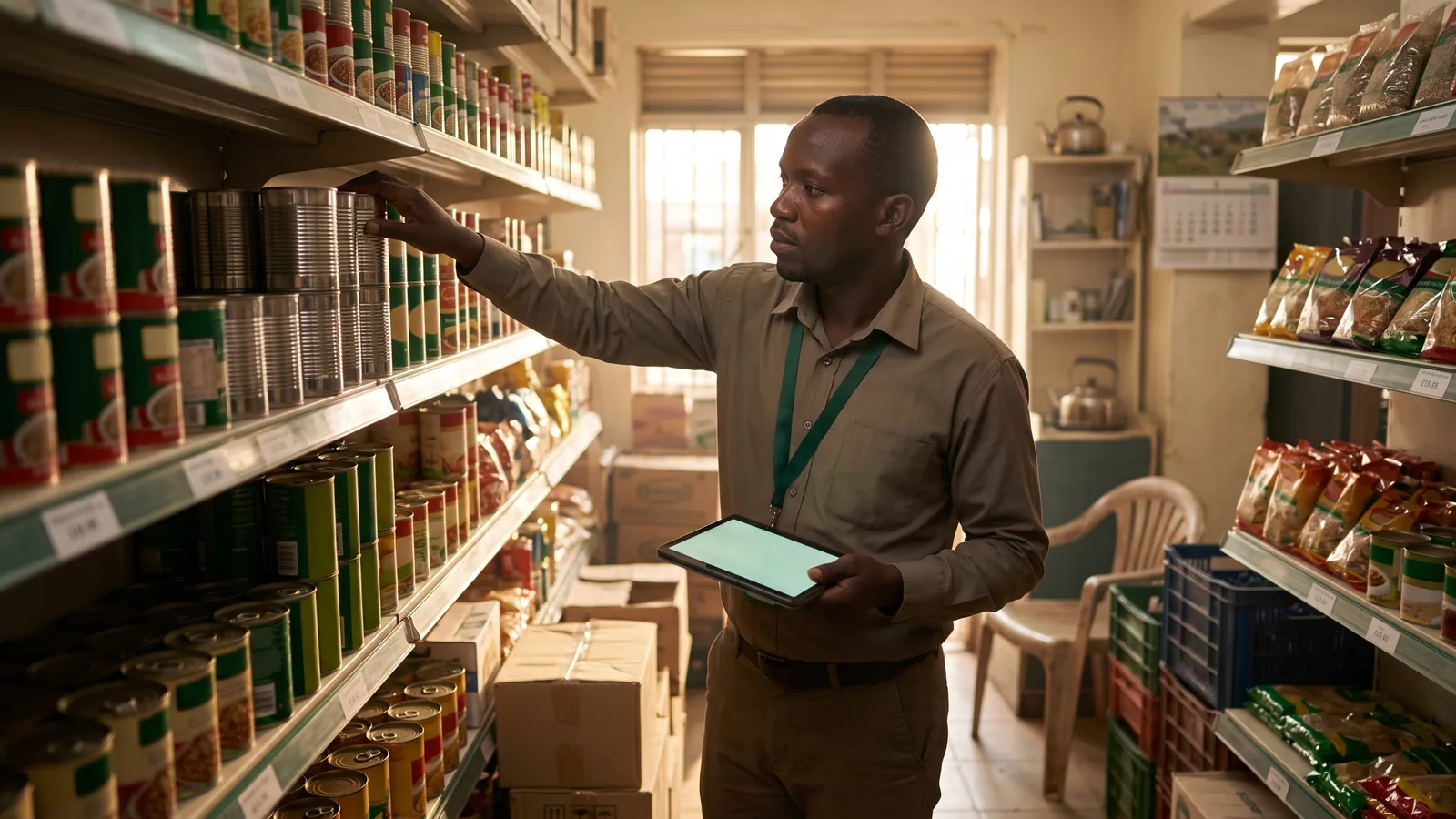
Stock management for a small shop comes down to one rule: every item that moves is recorded once, at the moment it moves, in the same place. Sales at the till, deliveries at the back door, breakages in the bin. Do that, and the number on the screen matches the shelf closely enough to order from, price from and trust. Skip it, and no amount of counting will catch up. This post is the routine, in the order to set it up, and what to do when the numbers disagree.
Why stock goes wrong in small shops
It is rarely theft, though that is the first guess. The usual causes are duller:
- A delivery is put on the shelf and the invoice goes in a drawer to be entered "later".
- A regular customer is served from memory and the sale is rung up as a round figure, or not at all.
- A cracked bottle or a torn packet is thrown away and nobody writes it down.
- The same product exists twice in the system because a new barcode arrived and someone created a new item instead of adding the code to the old one.
- An opening count was never done, so the system started from zero and has been wrong since.
Each of these is a missing record, not a missing item. The fix is a habit, not a lock.
Step 1: One honest opening count
Pick a quiet morning. Count everything and enter it as opening stock. Do not guess, do not carry forward last year's figure, and do not skip the slow shelves. This count is the foundation every later number stands on. If the shop is large, do it a section at a time over a week, entering each section the same day it is counted.
Step 2: Let the till do the selling side
Most stock movement is sales, and a point of sale records them without anyone thinking about it. Every sale takes the quantity off the count, including sales made while the internet was down once they sync. That leaves only deliveries, returns and losses to enter by hand, which is a few minutes a day instead of an hour.
For that to hold, every sale must go through the till. The one exception people make, the trusted customer served without a receipt, is where most counts drift. Ring it up as a credit sale instead; there is a system for that in Selling on credit without losing money.
Step 3: Enter deliveries on arrival
The invoice and the stock arrive together. Enter the quantities before the goods reach the shelf, not after. If the delivery is short or damaged, enter what actually arrived and note the difference for the supplier. A delivery entered a day late means a day of sales against a count that was too low, and a low-stock warning that fires for nothing.
Step 4: Write down losses
Breakages, expired stock, samples given away, the tin the cat knocked off. Each is an adjustment with a reason. It takes ten seconds and it is the difference between "we lost twelve tins this month to damage" and "twelve tins are missing". The reasons become a report you can act on: if the same product is always the one breaking, the shelf is wrong, not the staff.
Step 5: Spot-check weekly
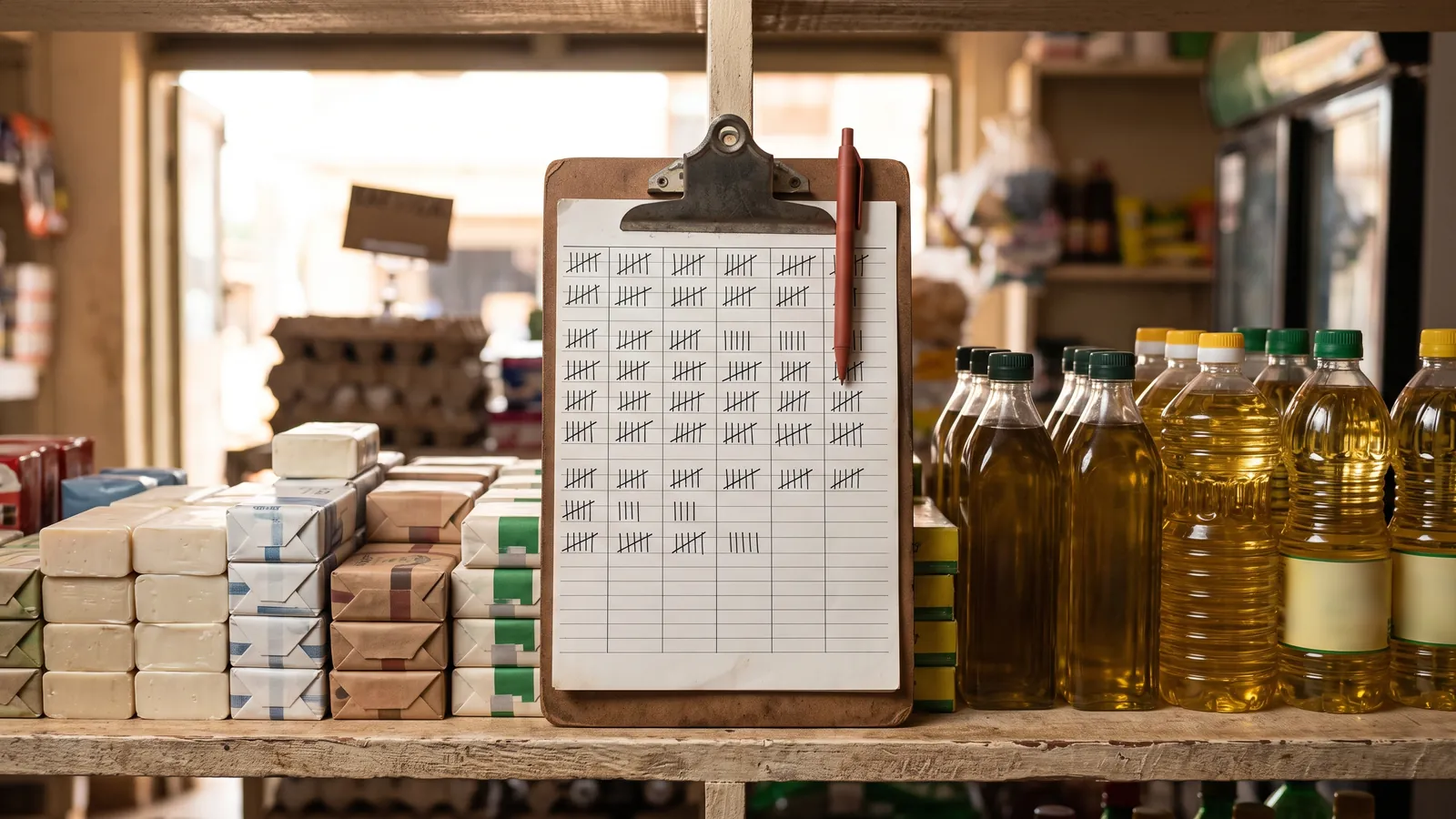
A full count every month is a lot of Sundays. A spot check of fifteen items every week is twenty minutes. Choose a mix: five fast sellers, five expensive items, five picked at random. Compare shelf to screen. Adjust and note the reason. If the same item is wrong two weeks running, watch how it is being sold.
Over a quarter this covers most of the shop, catches drift early, and keeps the full count for once or twice a year.
Step 6: Set low-stock levels that mean something
A low-stock level is not "ten". It is the quantity you will sell between noticing and the delivery arriving. A drink that sells a crate a day from a supplier who delivers in two days needs a level of at least two crates. A spice that sells one jar a week from a supplier who comes monthly needs a level of about five. Set them per item, start rough, and tighten them when a warning fires too early or too late.
Then read the warnings. The most useful place for a low-stock list is the first screen you see when you sign in, before the day starts.
Step 7: Dates on anything that expires
For food, drinks, medicine and cosmetics, put the expiry date on the product record when the delivery arrives. You do not need batch tracking to benefit. A simple list of what expires this month lets you move it to the front, discount it, or return it while the supplier will still take it.
When the count is wrong
- Check for a duplicate product. Search the name and the barcode. Two records for one item is the most common cause of one being high and the other low.
- Check the last delivery. Was it entered, and with the right quantity?
- Check the adjustments. Was something written off, or written off twice?
- Check the sales history for the item. A sale of 10 where 1 was meant is a mistap, and it explains a shortfall of 9.
- Only then ask who was on the till, which the sales record can tell you.
The same discipline applies to cash, and the two checks are worth doing together; see How to count the cash drawer at closing.
Two shops, two counts
If you run more than one store, each needs its own count. Stock is where it physically is. A system that shows one combined figure will send you to the wrong shop to fetch something that is not there. Moving goods between stores should be recorded as out of one and into the other, on both sides, whatever system you use.
How Sellio handles this
Sellio keeps one stock ledger per store. Every sale takes stock down automatically, including offline sales once they sync, and every delivery, adjustment and write-off is entered with a reason and kept in the ledger report. Opening stock can be set when a product is created. A low-stock notice appears on the first screen after sign-in, and the stock page filters to what is low. A product can carry several barcodes so a relabelled item does not become a duplicate, and an expiry date sits on the product for anything that needs one. Items that sell out can hide from the till automatically until they are restocked, per store. If you are setting up stock control for the first time, start a free trial and do the opening count in it; the broader checklist for choosing a system is in How to choose a POS system for a shop in Uganda.
Frequently asked questions
How often should a small shop count stock?
A full count once a month or once a quarter, and a small spot check of ten or twenty items every week. Weekly spot checks catch problems while they are still small.
What is the easiest way to track stock in a small shop?
Record every movement in one place at the moment it happens — sales at the till, deliveries when they arrive, damages when they are found. A POS does the sales part automatically, which is most of the work.
Why does my stock count never match?
Usually because some movements are not recorded — items sold without ringing them up, deliveries put on the shelf before being entered, or breakages thrown away silently. Find which of those it is before blaming theft.
What is a low-stock level?
The quantity at which you need to reorder so the item does not run out before the next delivery arrives. Set it per item from how fast it sells and how long the supplier takes.
Should I track expiry dates?
For anything edible or medicinal, yes. Even a simple date on the product record lets you see what is close to expiring and sell or return it in time.
Related
-
· 7 min read
How to choose a POS system for a shop in Uganda
A plain guide to choosing a point of sale for a Ugandan shop — what to check on offline selling, printers, stock, staff, pricing and support before you pay.
Read → -
· 6 min read
How to count the cash drawer at closing
A closing routine for a shop's cash drawer — the float, expected cash, the count, the variance, and what to do when it does not balance. With a checklist.
Read → -
· 6 min read
Selling on credit without losing money
A working system for shop credit in Uganda — who gets it, how much, how to record every sale and payment, and how to collect without losing the customer.
Read →