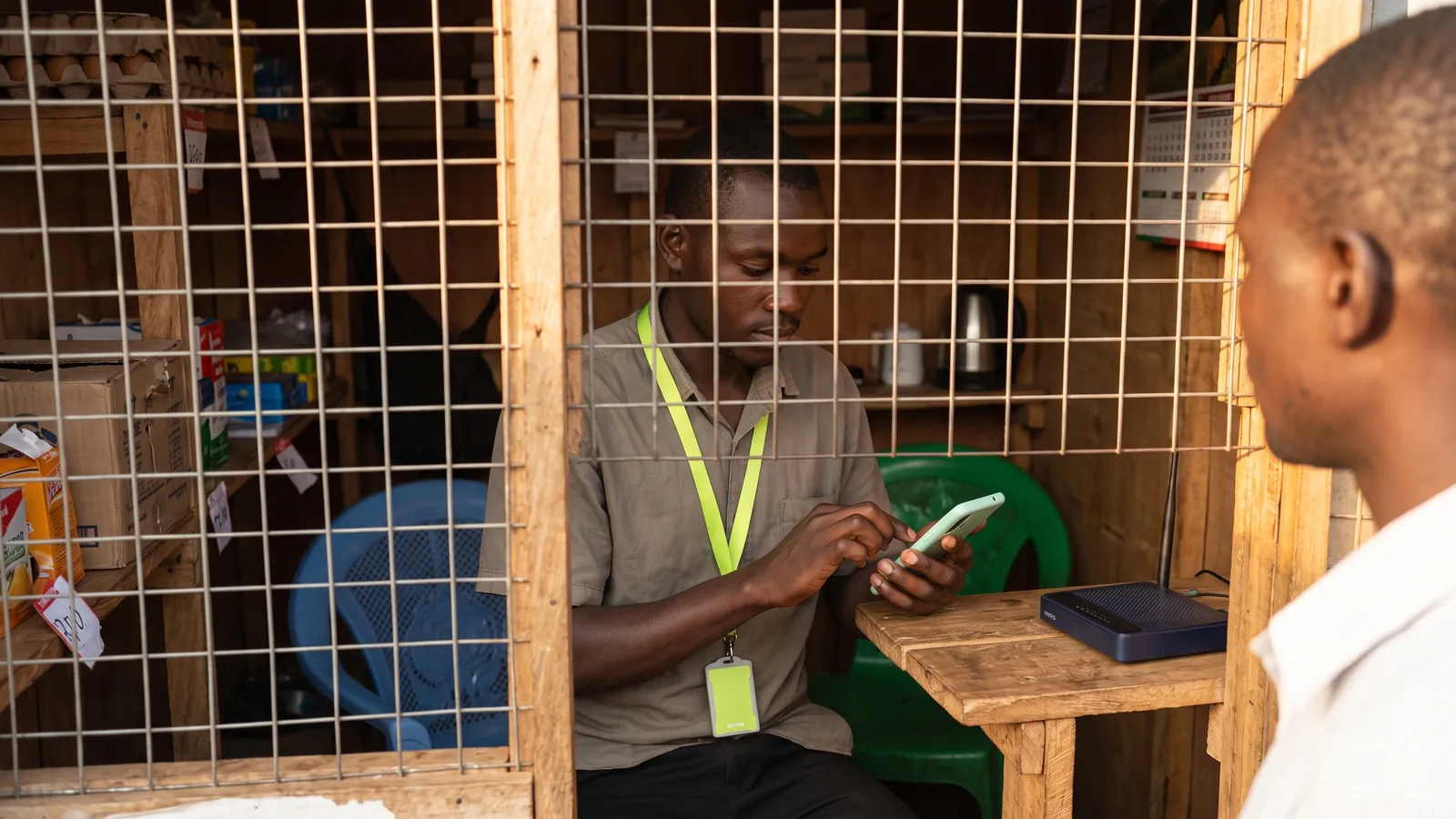
Sellio Blog · 7 min read
How to choose a POS system for a shop in Uganda
A plain guide to choosing a point of sale for a Ugandan shop — what to check on offline selling, printers, stock, staff, pricing and support before you pay.
Published · By Sellio
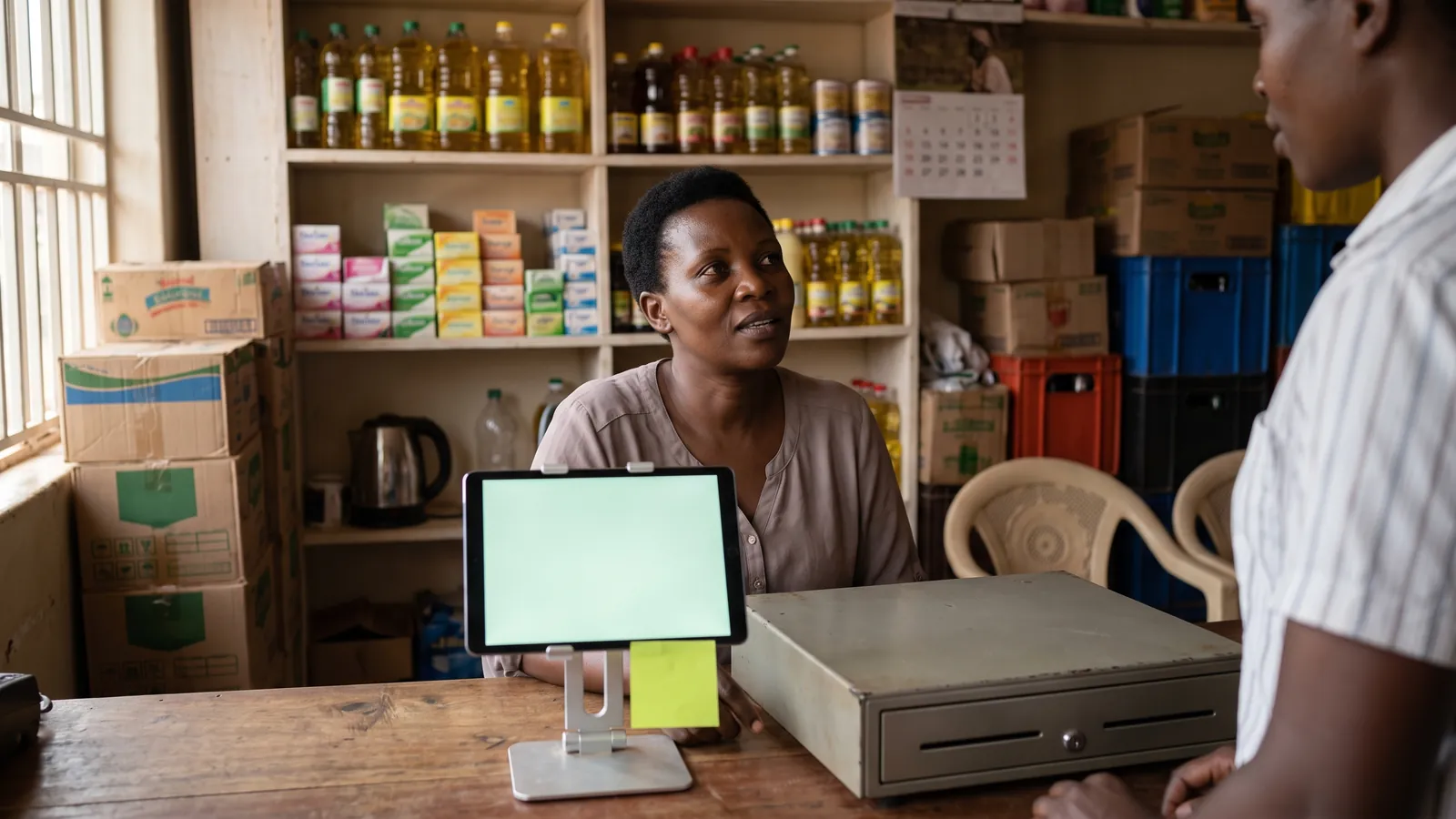
A point of sale system for a shop in Uganda should do five things without fuss: ring up a sale in seconds, keep selling when the internet drops, print a receipt on an ordinary thermal printer, keep the stock count honest, and show the owner the day's takings from anywhere. Everything else is secondary. This guide walks through each of those, what to ask a vendor, and the traps that cost shops money after they have already paid.
Start with how your counter actually works
Before comparing software, write down what happens at your counter on a normal day. How many sales an hour at the busiest time. Whether customers pay cash, mobile money, or a mix. Whether you sell on credit to anyone. Whether prices change by the week. Whether one person runs the till or several take turns.
That list is your specification. A supermarket with three tills and a barcode on every item needs a different system from a hardware shop that sells by the piece and writes prices from memory. Most POS demos are built for the first shop. Most Ugandan shops are closer to the second.
The five things that matter
1. Speed at the till
A sale should take a few taps: find the item, set the quantity, take the money, done. Test this yourself on the vendor's trial, on the device you will actually use, with a queue in mind. Look for:
- Search by name that works with two or three letters typed.
- Barcode scanning by camera or a USB scanner, and a way to link a barcode the system does not know without leaving the sale.
- A change-due figure on screen the moment cash is entered.
- Parking a sale so the next customer can be served while the first finds their money.
If any of these takes a trip through a menu, the queue will feel it.
2. Selling when the internet goes off
Data in Uganda drops. Power drops. A POS that stops selling when either happens is a liability, not a tool. Ask the vendor exactly what works offline and what does not, then test it by turning off the data on the tablet and trying to sell.
The honest answer for most cloud systems is that cash sales can continue offline and sync later, while anything that needs the server, such as reports and stock changes, waits for the connection. That is a fine trade. What you want to avoid is a system that shows a spinner and nothing else. There is a longer explanation of what a good offline mode looks like in Does a POS work without internet?.
3. Receipts on a printer you can buy in town
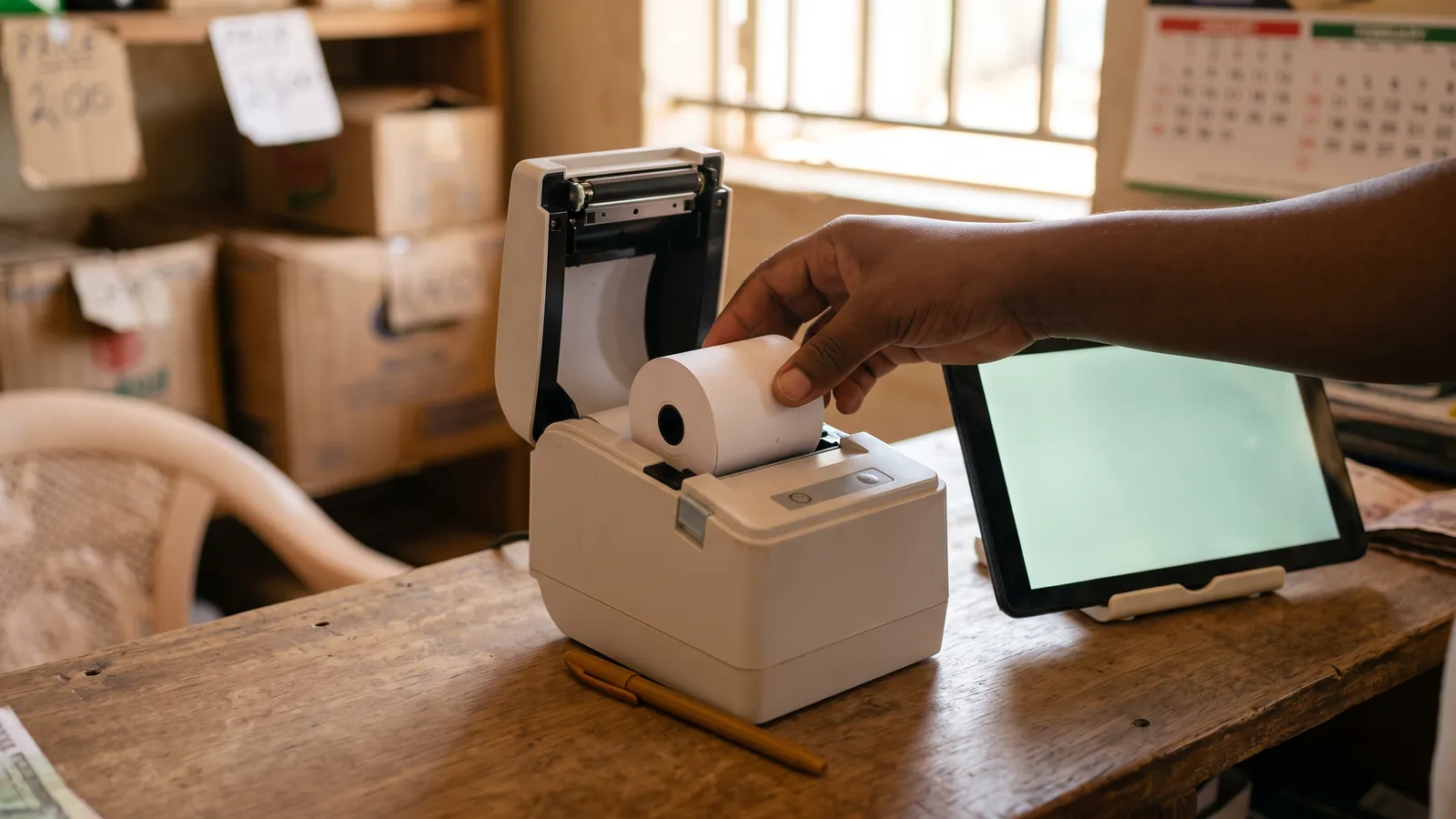
Thermal receipt printers are cheap and available in Kampala, Jinja, Mbarara and most trading centres. The question is whether the software can drive the one you buy. Ask:
- Does it print to a 58mm and an 80mm printer without special drivers?
- Can it print directly from an Android tablet over USB, without a print dialog every time?
- Can the receipt carry your shop's name, logo and a phone number?
Set-up is usually the sticking point, not the printer itself. The steps are in How to set up a thermal receipt printer with an Android tablet.
4. Stock that stays truthful
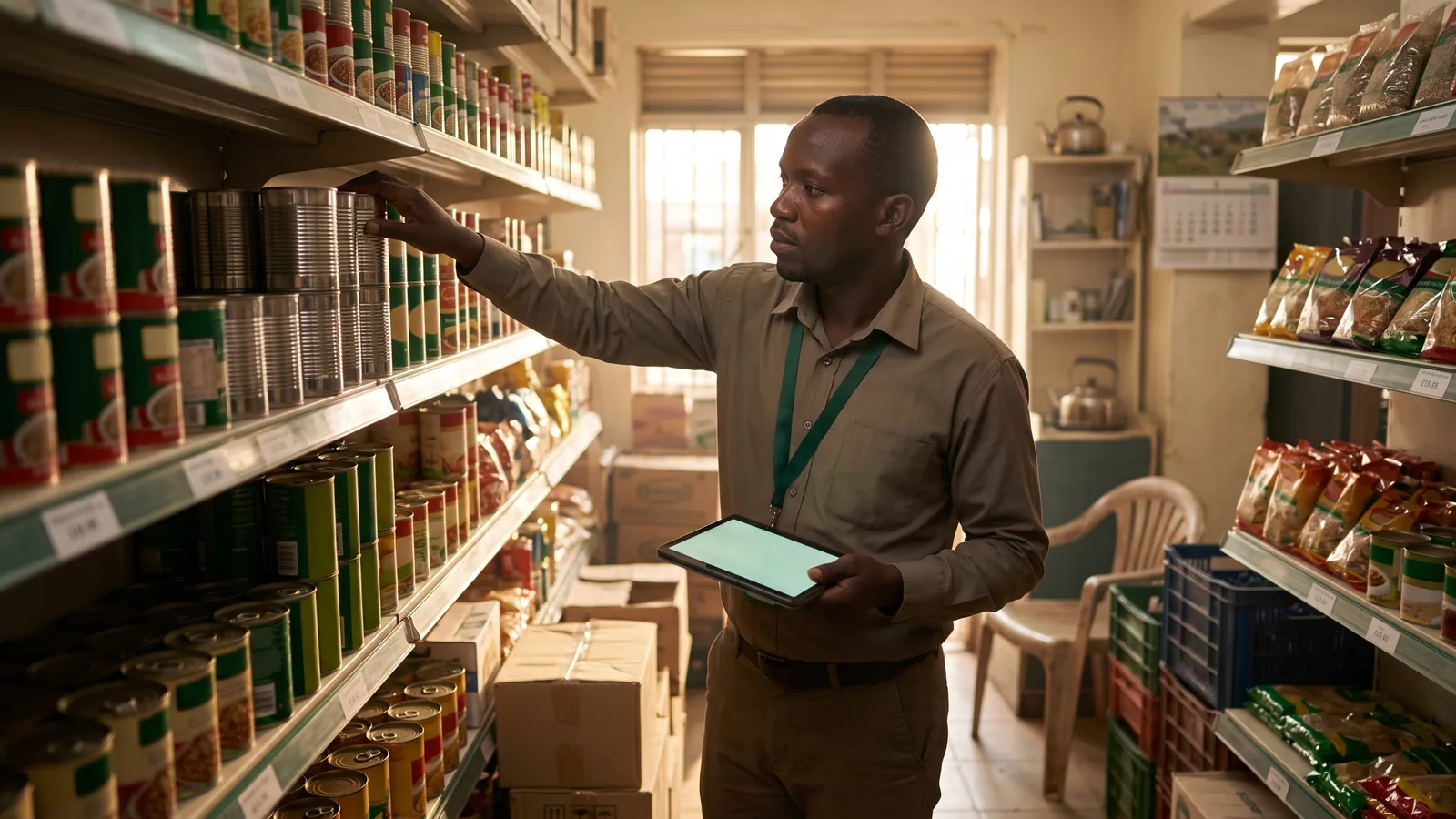
A POS is only useful for stock if the count on screen matches the shelf, and that only happens when every sale, return and adjustment is recorded in one ledger. Check that the system:
- Reduces stock on every sale, including sales made offline once they sync.
- Lets you enter opening stock and later adjust it with a reason.
- Warns you when something runs low, before a customer asks for it.
- Handles the same item arriving under a second barcode without creating a duplicate product.
The routine that keeps the count honest is in Stock management for a small shop.
5. Numbers the owner can read from anywhere
The reason to move from a book to software is that the owner can see the day without being in the shop. Takings by day and by till, what sold, what was spent, and whether the cash drawer balanced. Ask to see the reports on a phone, not a laptop, because that is where you will read them.
Questions to ask every vendor
| Question | Why it matters |
|---|---|
| What exactly works without internet? | Selling must continue. Vague answers mean it does not. |
| Is there a free trial, and does it need a card? | You should be able to test with real sales before paying. |
| Is there a money-back guarantee? | A vendor confident in the product will refund a shop it does not fit. |
| How is it priced — per till, per user, per store? | The advertised price is often for one of each. |
| Can I export my sales? | Your records should leave with you if you leave. |
| Who do I call when the printer will not print? | A phone number in Uganda beats a ticket queue abroad. |
| Which payment methods does the subscription accept? | Mobile money in shillings, or you will be paying a card fee in dollars. |
Things that look important and are not
A dedicated terminal. A browser-based POS on a tablet you already own does the same job. Spend the money on the printer and a stand.
Hundreds of features. Every feature you do not use is a menu your cashier can get lost in. Shorter is faster.
Integrations you might need one day. Buy for the shop you run now. If the system exports your data, you can move later.
Tax filing built in. Keep the POS for selling and the accountant for tax. A clean sales export is what the accountant actually wants.
Pricing in shillings
Ugandan shops should be able to pay in shillings by mobile money, monthly or yearly, and the price should be the whole price. Ask what happens when you add a second till or a second store, because that is where the surprises live. A yearly plan is usually cheaper if you are sure; a monthly plan is safer for the first quarter.
Staff, PINs and the difference between trust and records
A POS does not replace trusting your staff. It replaces arguing with them. When each cashier signs into the till with their own PIN, every sale, void and refund is tied to a person, and a manager's PIN is needed to undo a sale. Nobody has to remember who was on the till at four o'clock. The record does.
How Sellio handles this
Sellio is a point of sale built for shops in Uganda, and this guide is the checklist it was built against. It runs in the browser on the tablet or phone you already have. Cash sales keep ringing up when the internet goes off and sync when it returns. It prints to any 58mm or 80mm thermal printer, directly over USB on an Android tablet. Stock reconciles itself against every sale and adjustment, with a low-stock notice when you sign in. Reports read well on a phone. Each cashier has a PIN, and voids and refunds ask for a manager's. It is priced in shillings, paid by mobile money or card, with a 14-day free trial that needs no card and a money-back guarantee on every plan.
Before you decide
Run the trial for a real week, on the real counter, with the real cashier. Turn the data off at least once. Print a receipt on the printer you intend to keep. Read the takings on your phone from home on a Sunday. If all four feel ordinary, you have found your system. You can start a free trial of Sellio today, or see what it does first.
Frequently asked questions
What is a POS system?
A point of sale (POS) system is the software a shop uses to ring up sales, take payment, print receipts and keep the record of what was sold. Modern ones also track stock, staff and takings, and run in a browser on a tablet or phone.
Does a POS system need the internet in Uganda?
Not for selling, if you choose one built for it. A good POS keeps ringing up cash sales when the connection drops and syncs them when it returns. Reports and stock changes usually need a connection.
How much does a POS system cost in Uganda?
Most are a monthly or yearly subscription. Compare the total for a year, including any charge per extra till, store or user, and check whether there is a free trial and a refund policy before you commit.
Can I use my own tablet or phone?
With a browser-based POS, yes. You do not need a dedicated terminal. A recent Android tablet with Chrome is the most common setup in Ugandan shops.
Do I need a receipt printer?
Not to start. Many shops sell for weeks without one. When you add one, a 58mm or 80mm thermal printer connected by USB is the simplest to run.
Related
-
· 6 min read
Does a POS work without internet? Offline POS explained
What an offline POS can and cannot do when the data drops, how sales sync afterwards, and what to check before trusting one in a Ugandan shop.
Read → -
· 6 min read
How to set up a thermal receipt printer with an Android tablet
Step-by-step setup of a 58mm or 80mm thermal receipt printer on an Android tablet for a shop till — USB cable, paper, browser permission, test print and fixes.
Read → -
· 6 min read
Stock management for a small shop — a system that gets kept
A stock control routine a small shop will keep — opening counts, one ledger, weekly spot checks, low-stock levels, expiry dates, and fixing a wrong count.
Read →