Sellio Blog · 6 min read
Does a POS work without internet? Offline POS explained
What an offline POS can and cannot do when the data drops, how sales sync afterwards, and what to check before trusting one in a Ugandan shop.
Published · By Sellio
Yes, a point of sale can work without internet, but only in the ways it was designed to. A good offline POS keeps ringing up cash sales when the connection drops, stores them on the device, prints receipts as normal, and sends everything to the server the moment the data returns. What it usually cannot do offline is change stock, take card or mobile money confirmations, or show fresh reports. Knowing which side of that line each feature sits on is the difference between a shop that keeps trading and one that hands out handwritten receipts for an afternoon.
Why this matters more in Uganda than in the brochure
Most POS software is written in places where the internet is a utility, like water. In Uganda it is a service, like a taxi. It arrives, it goes, it comes back. Mobile data thins out at lunchtime. A router loses power when the area does. The fibre in the arcade goes off for a day while someone is paid.
A shop cannot stop selling for any of those. So the useful question is not "does it work offline?" but "what exactly does it do when the connection drops, and what does it do when the connection returns?"
What a good offline POS does
Keeps the catalogue on the device. Products, prices, barcodes and categories are copied to the tablet while it is online, so searching and scanning work without the server.
Records cash sales locally. Each sale is written to the device with its time, its lines and the cashier who rang it, in the order it happened. The cashier sees nothing different: the same screen, the same change-due figure, the same receipt.
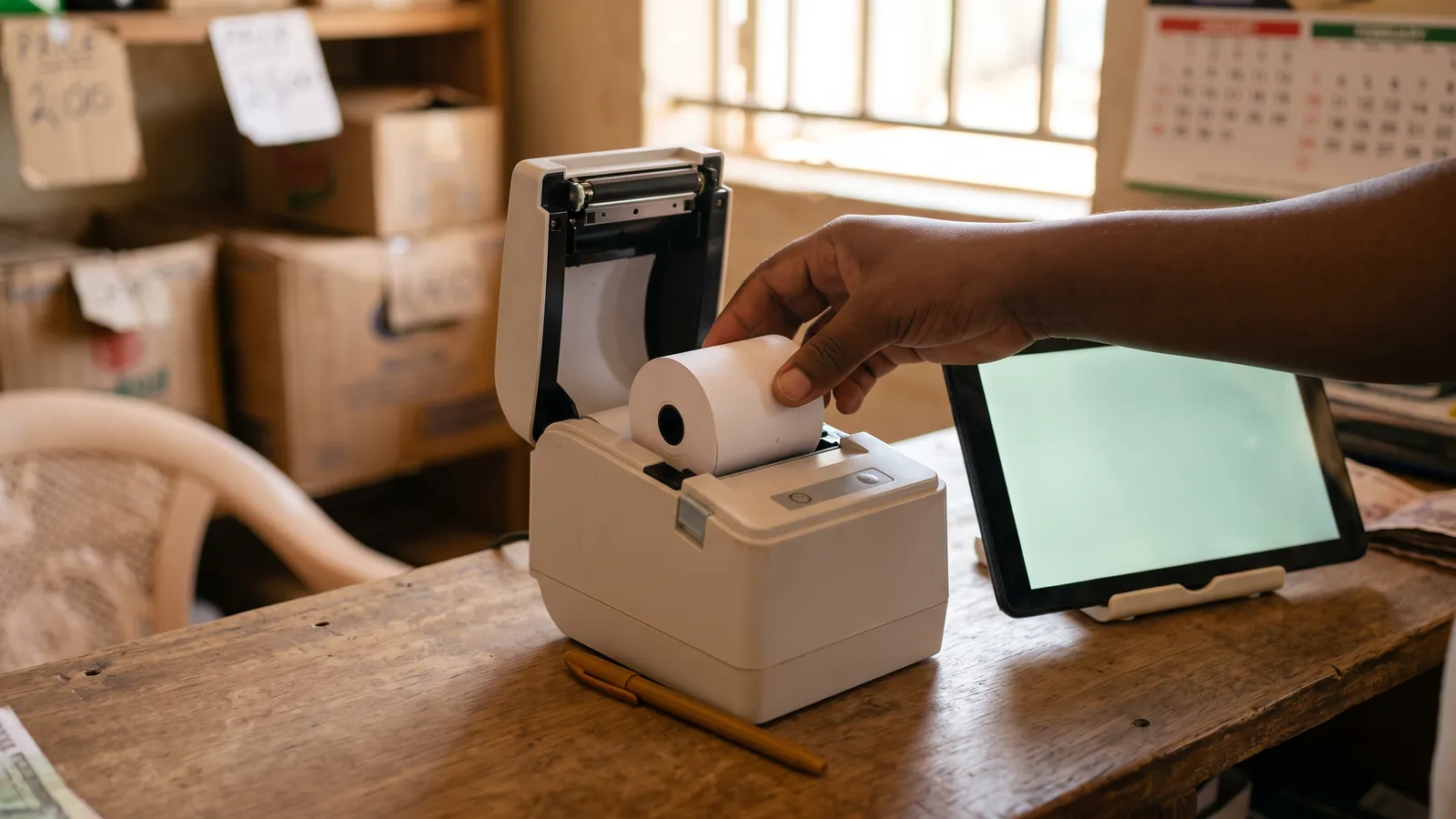
Prints as normal. A receipt printer connected by USB does not know or care whether the tablet has data.
Syncs on its own. When the connection returns, the queued sales upload in order and the server applies them: stock comes down, takings go up, the sales history fills in. The cashier does not press anything.
Starts from the cache. If the tablet was restarted while the network was down, the app should still open from its cached copy, with the cashier still signed in, rather than showing a blank page.
Tells you it is offline. A small, calm indicator, not a red banner that frightens the customer. The cashier should know, and carry on.
What a good offline POS deliberately does not do
The list is shorter than people expect, and every item on it is there for a reason.
| Not offline | Why |
|---|---|
| Stock adjustments and new products | Two devices editing the same product offline would disagree when they sync. Selling only reduces stock, which never conflicts. |
| Reports and takings | A report is a question to the server. Offline, the app can show the last figures it saw, marked as such, not fresh ones. |
| Card or mobile money confirmation | The confirmation comes from the payment network. Take the customer's payment on their phone as usual, and record the sale when the connection returns. |
| Voids, refunds and manager approvals | These change money that has already been counted. They wait for the server so the record stays whole. |
| Credit sales and customer balances | A balance is a sum across every device. It must be computed in one place. |
A system that claims to do all of these offline is either syncing badly or not telling you what happens when two tills disagree.
The two questions to ask before you trust it
What happens if the tablet dies before it syncs? The honest answer is that sales stored only on that device are lost with it. The practical mitigation is to keep the tablet charged and let it reconnect at least once a day. A system that syncs the moment the network is back, without a cashier having to remember, keeps that window small.
What does the report look like for the offline hours? After a sync, the day's takings and the drawer count should include the offline sales as if they had never been offline, with the original times, not the upload time. If you close the drawer at the end of the day and the offline sales are missing or timestamped at eight in the evening, the count will not balance. The routine for that count is in How to count the cash drawer at closing.
Test it yourself in five minutes
- Open the POS on the tablet while online. Sign in. Load the till.
- Turn off mobile data and Wi-Fi.
- Ring up three cash sales. Print one receipt.
- Close the browser tab, then open the app again. It should come back with you signed in.
- Turn the data on. Wait a moment. Open the sales history: the three sales should be there with the times you made them.
If step 3 shows a spinner, or step 4 shows a blank page, or step 5 needs you to press anything, the offline mode is a claim rather than a feature.
A note on mobile money
Customers pay by mobile money whether or not your tablet has data, because the payment runs on their phone and the telecom's network. What the POS needs the internet for is the record. In practice, a cashier takes the mobile money payment, checks the confirmation on the customer's phone or the shop's, and enters the sale when the connection is back. During a long outage, a short list on paper of mobile money sales, with the customer's number and the amount, takes a minute at the end to enter.
How Sellio handles this
Sellio was built for the connection you actually have. Cash sales ring up as normal when the internet goes off, queue on the device, and sync on their own the moment the connection returns, with their original times. The app starts from its cached copy of your catalogue and your sign-in, so a restarted tablet is not a locked tablet. Receipts print over USB with or without data. Reports and stock changes wait for the connection and say so, and the last figures the app saw stay readable, marked with when they were fetched. If you want to see it for yourself, start a free trial, turn the data off, and sell. The full checklist for choosing a system is in How to choose a POS system for a shop in Uganda.
Frequently asked questions
Can a cloud POS work offline?
Yes, if it was built to. A well-designed cloud POS keeps a copy of the catalogue on the device, records cash sales locally when the connection drops, and sends them to the server when it returns. Not every cloud POS does this, so test it.
What happens to sales made offline?
They are stored on the device in the order they were made and uploaded automatically once the connection is back. The stock count and the day's takings update at that point. Nothing needs to be re-entered.
Can I take mobile money offline?
You can take the payment, because mobile money runs on the customer's phone and the network, not on your POS. But most systems record only cash sales offline, so a mobile money sale is entered once the connection returns.
Can I print receipts offline?
Yes, if the printer is connected directly to the tablet by USB. Printing does not need the internet. A receipt printed offline looks the same as one printed online.
Does offline mode need the app installed?
It needs the app to have been opened at least once on that device while online, so the catalogue and the sign-in are cached. After that, it can start from the cache even when the network is down.
Related
-
· 7 min read
How to choose a POS system for a shop in Uganda
A plain guide to choosing a point of sale for a Ugandan shop — what to check on offline selling, printers, stock, staff, pricing and support before you pay.
Read → -
· 6 min read
How to count the cash drawer at closing
A closing routine for a shop's cash drawer — the float, expected cash, the count, the variance, and what to do when it does not balance. With a checklist.
Read → -
· 6 min read
How to set up a thermal receipt printer with an Android tablet
Step-by-step setup of a 58mm or 80mm thermal receipt printer on an Android tablet for a shop till — USB cable, paper, browser permission, test print and fixes.
Read →